Welcome
| Table of Contents | ||||
|---|---|---|---|---|
|
| Include Page | ||||
|---|---|---|---|---|
|
| Excerpt |
|---|
This page explains the common functionality for creating a mobility. The screen layout and functions vary between call years. See the page MT+ Add mobility for KA1 and KA3 projects for more details. |
| Expand | ||||||
|---|---|---|---|---|---|---|
| ||||||
|
| HTML |
|---|
<div class="page-break-ruler"></div> |
| Excerpt | ||||
|---|---|---|---|---|
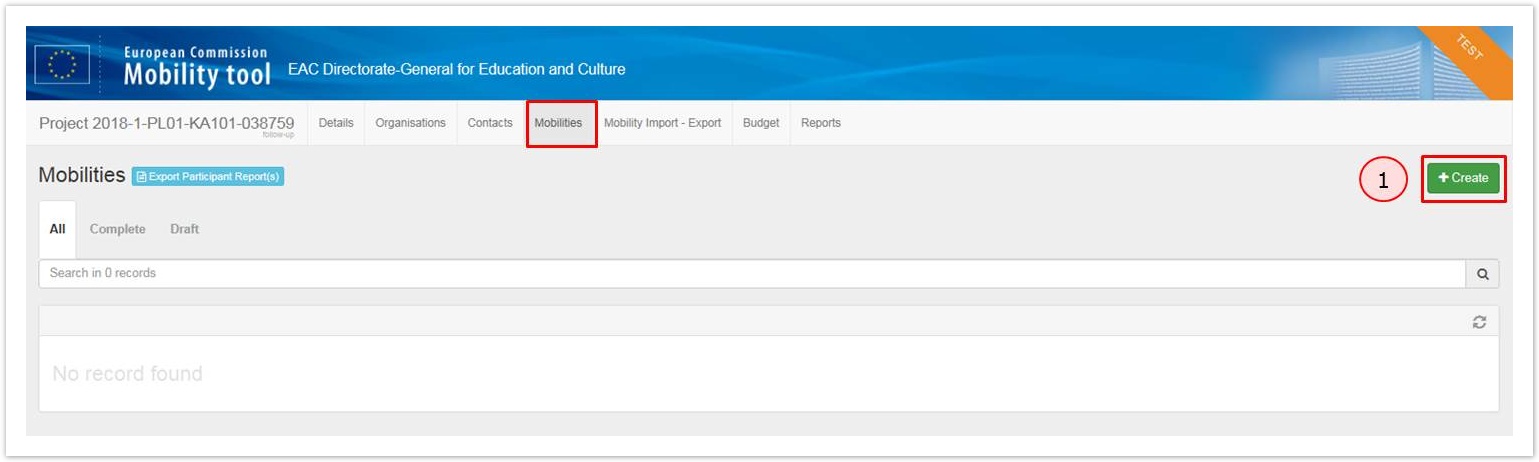
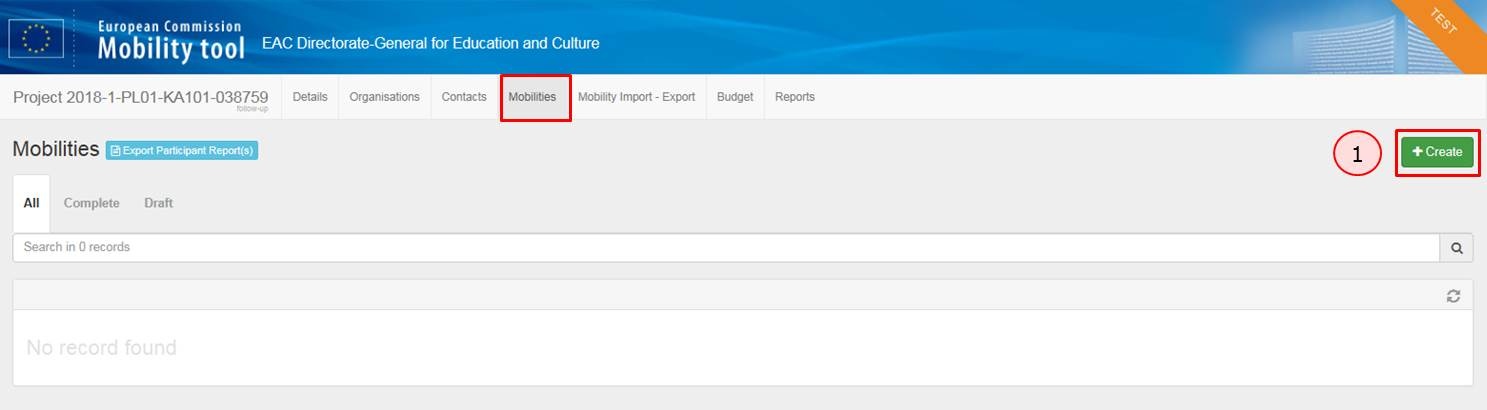
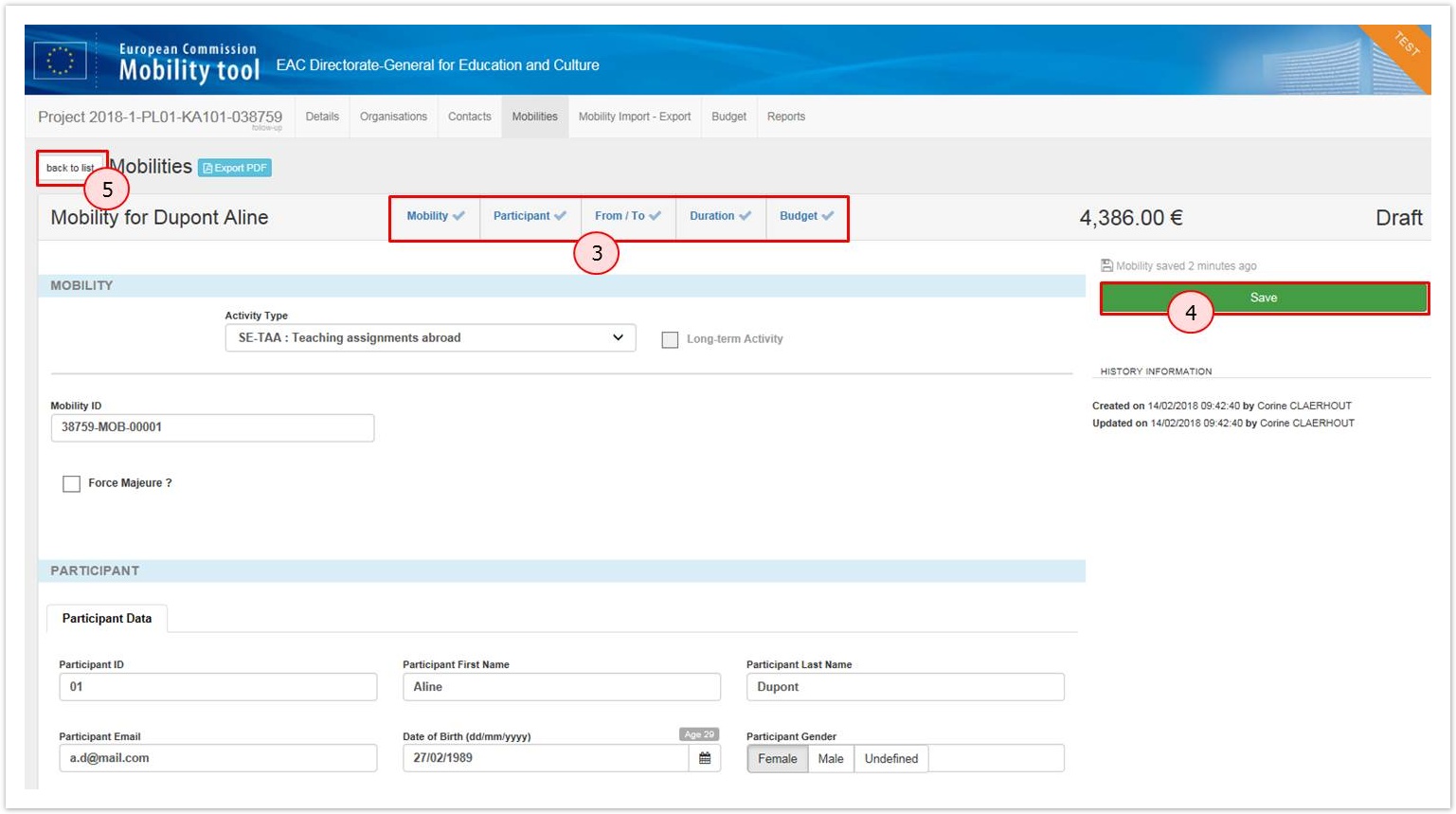
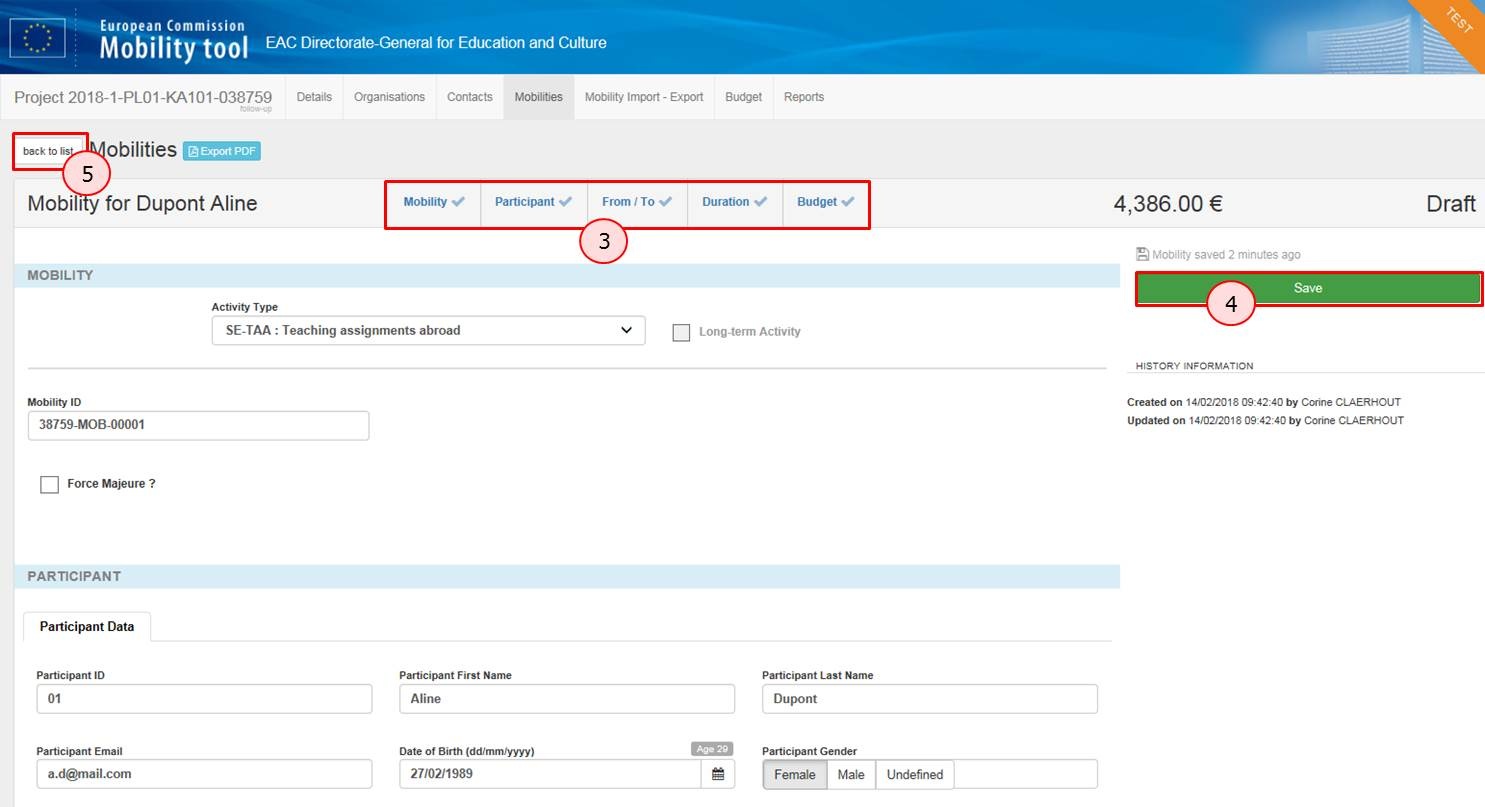
How to "Create" a Mobility.To create a mobility from the Mobilities tab:
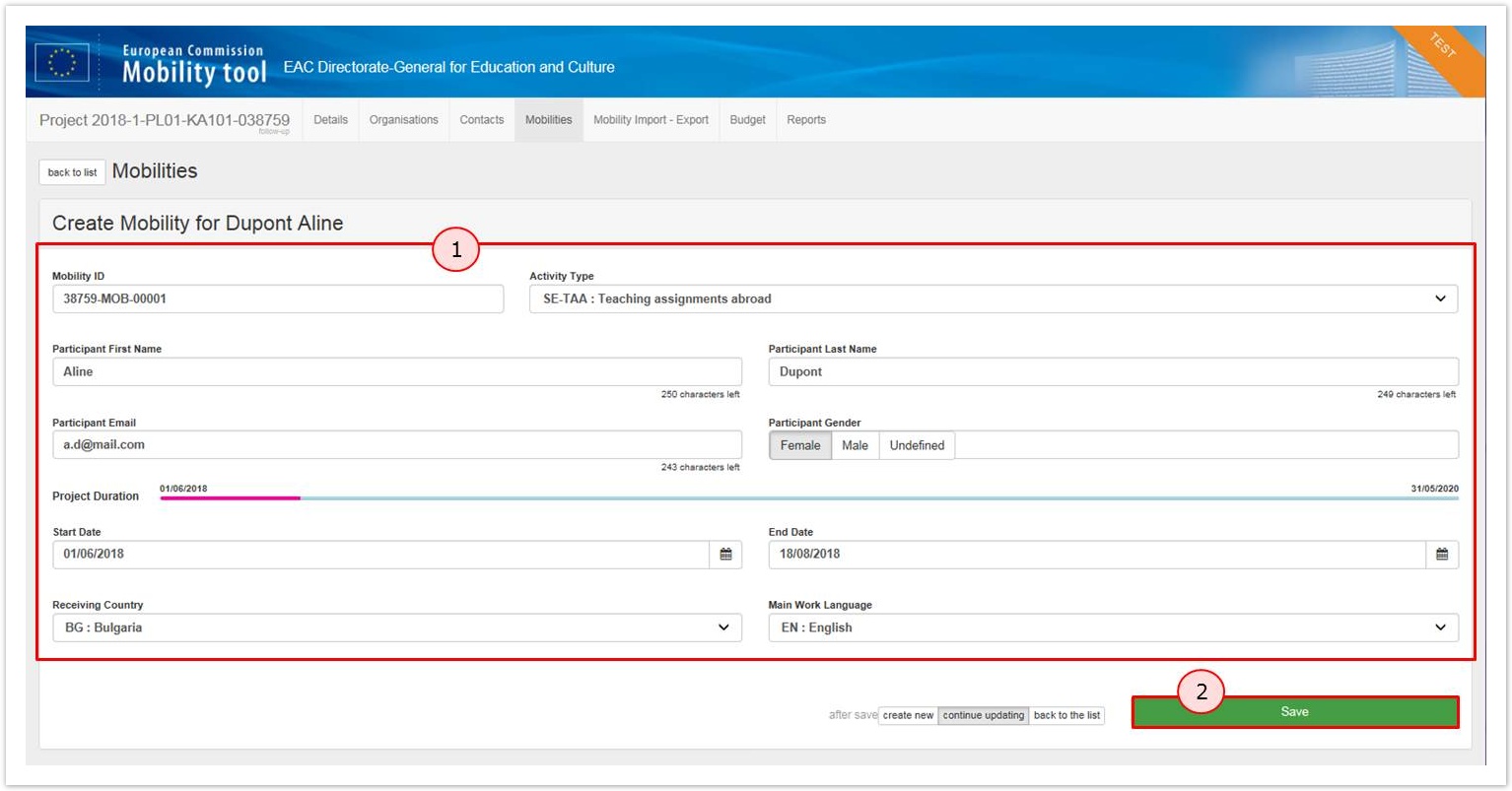
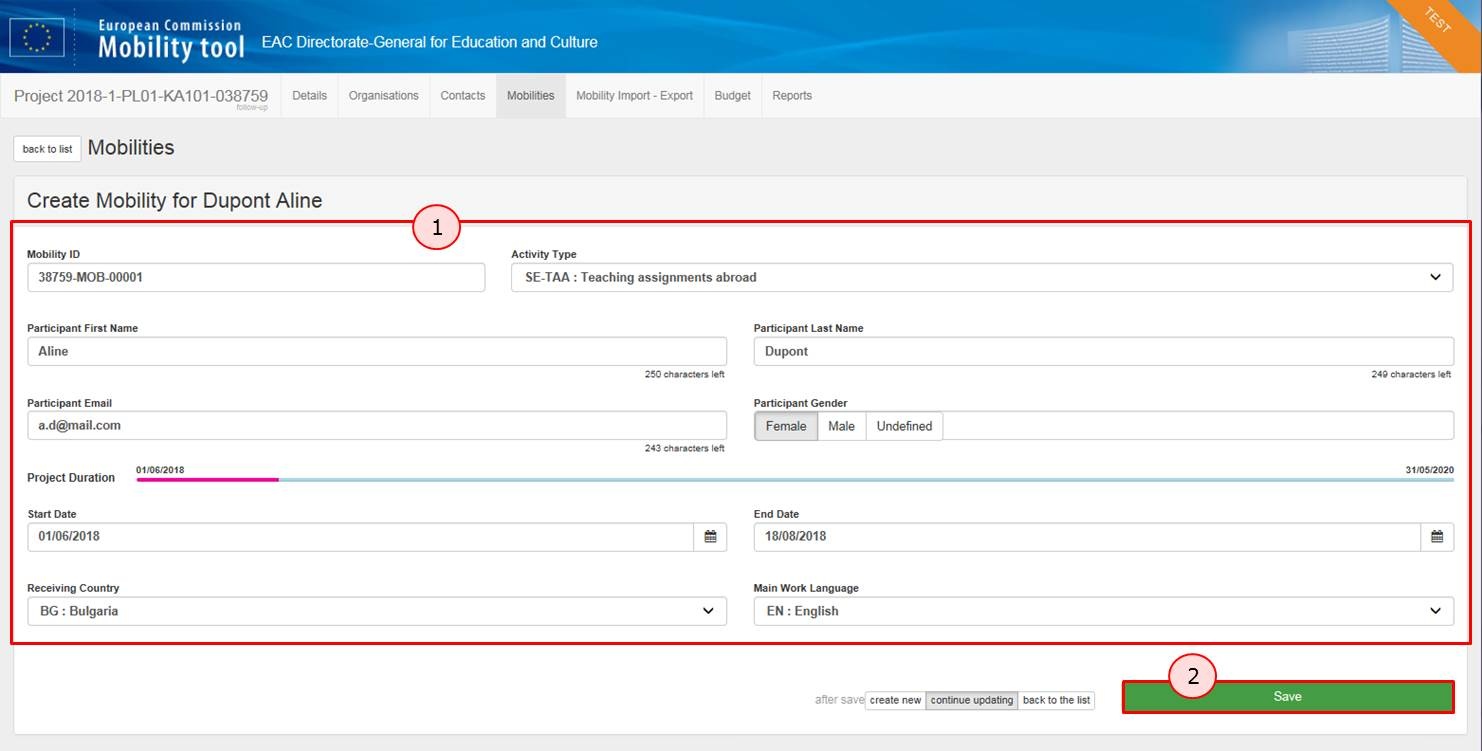
How to "Save" a MobilityIn order to save a mobility:
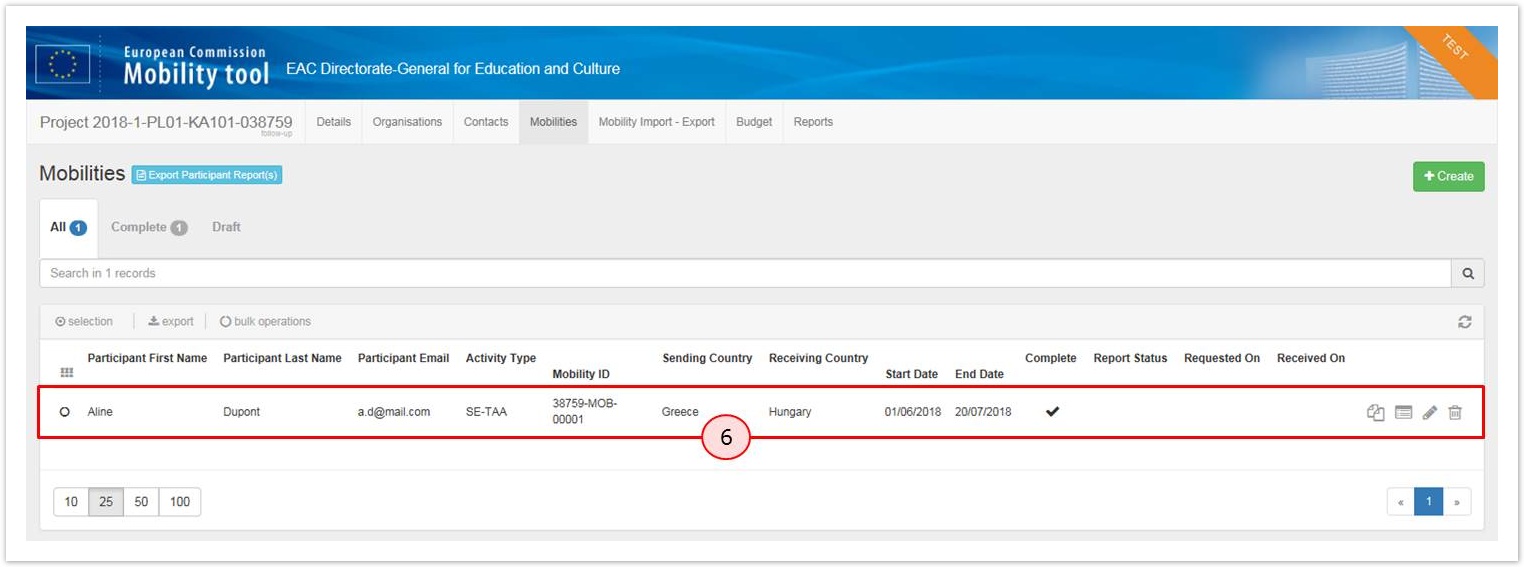
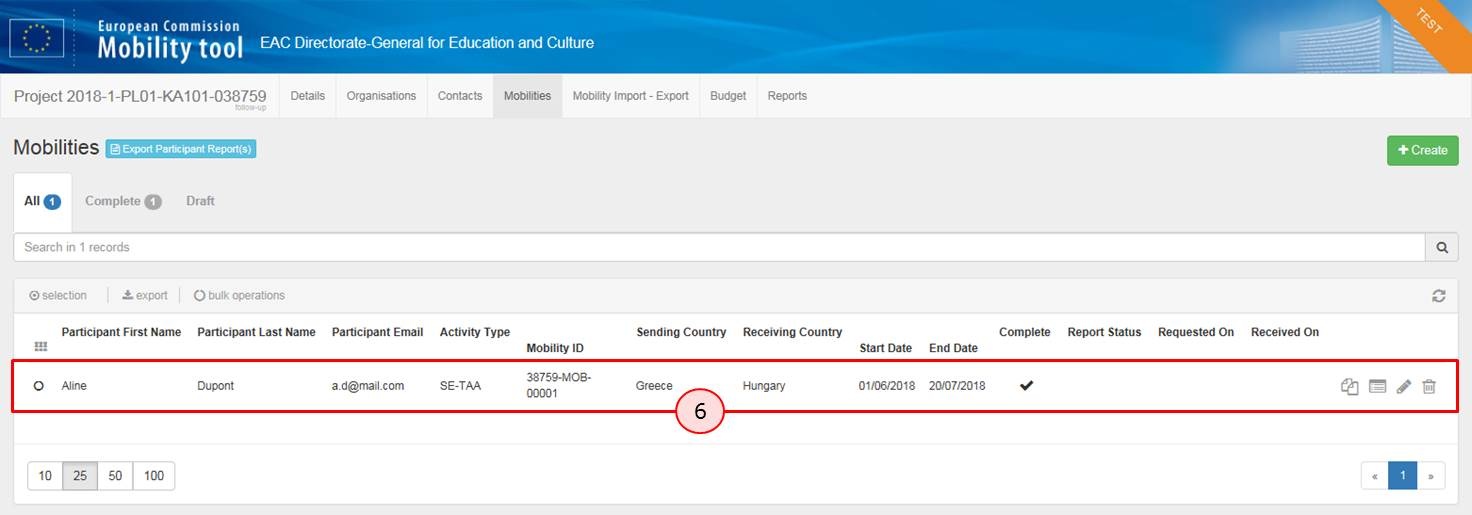
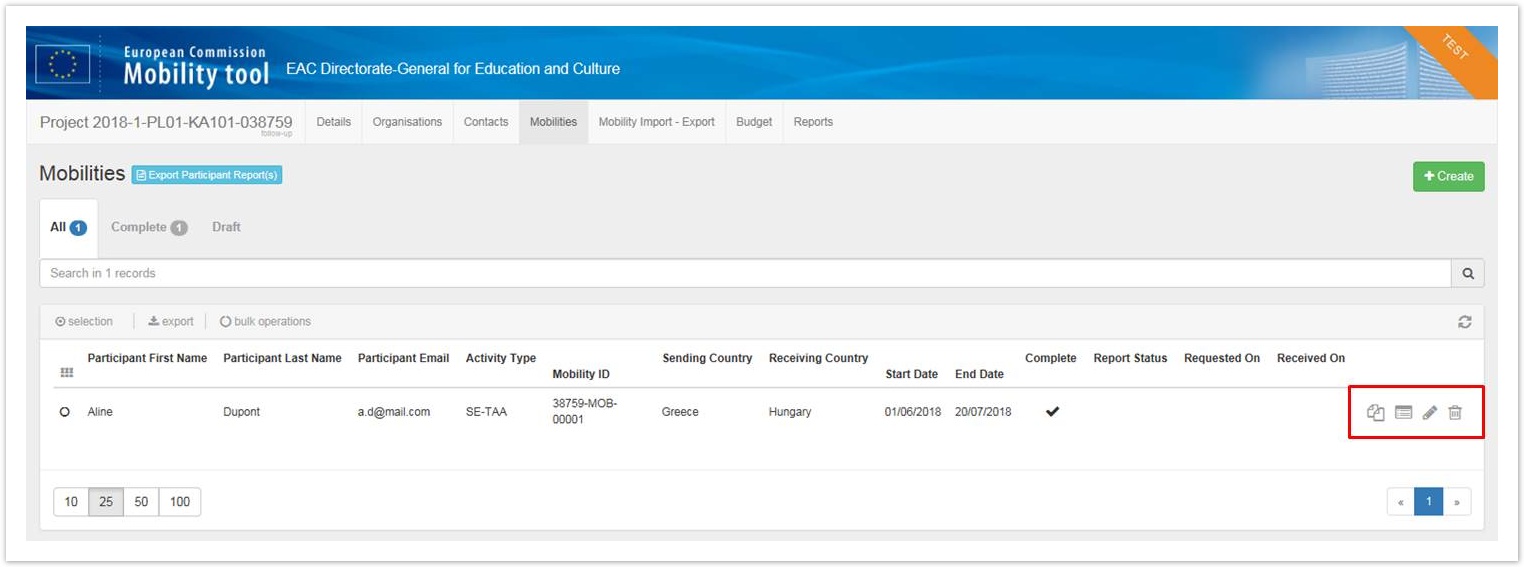
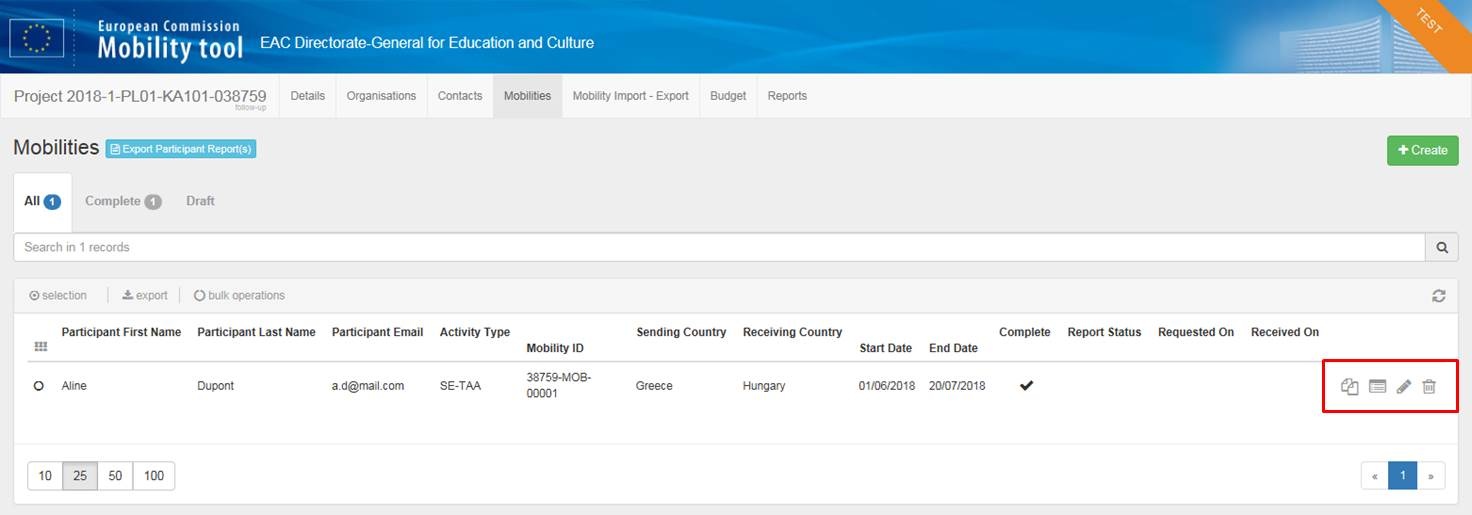
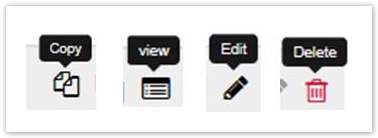
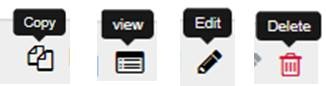
How to "Copy", "View", "Edit" and "Delete" a MobilityTo do so, you can use the Copy, View, Edit or Delete icons that are available in the detail line of each mobility. Please note that the copy functionality is available for 2016 projects and further.
  |
| Content by Label | ||||||||
|---|---|---|---|---|---|---|---|---|
|